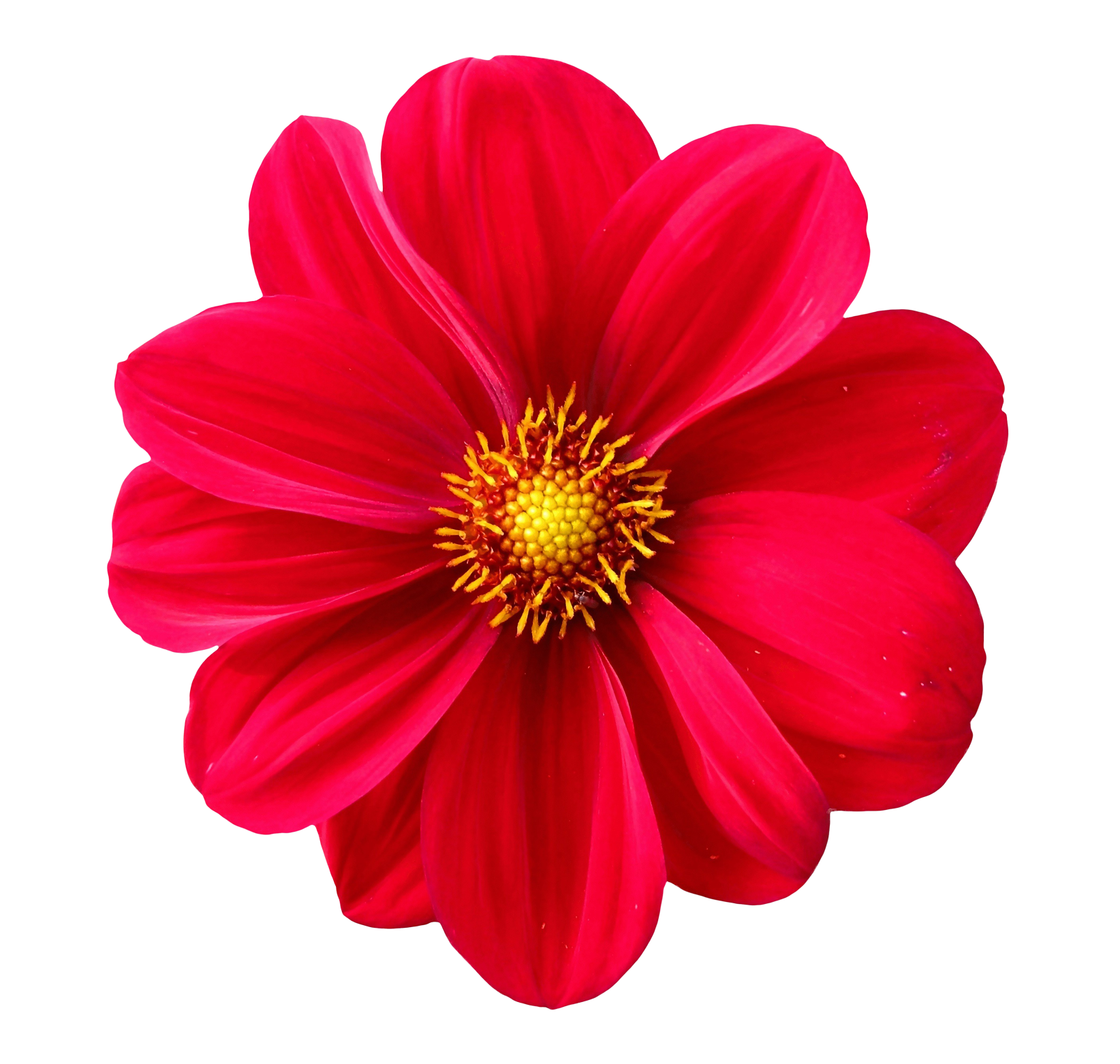
Add a Wheel Spin Effect to Photos Online
The Image Wheel Effect tool transforms any photo into a dynamic circular pattern using rotation, spin distortion, radial blur, and segmented wheel designs. This effect creates eye-catching visuals that resemble motion wheels, abstract circular artworks, and spinning radial effects perfect for posters, creative edits, social media graphics, and modern digital art.
What Is a Wheel Effect?
A wheel effect rearranges or distorts the image around a central point, creating a circular rotation pattern. The result looks like a spinning wheel, radial burst, or segmented circle depending on the chosen settings.
This effect is commonly used in abstract art, album covers, creative social media edits, and futuristic or hypnotic designs.
Why Use a Wheel Effect on an Image?
- Create abstract visual art with circular symmetry.
- Turn simple photos into dynamic spinning designs.
- Make posters and thumbnails stand out using motion-like visuals.
- Add a hypnotic, futuristic, or psychedelic look.
- Great for backgrounds and digital graphic compositions.
How the Wheel Effect Tool Works
The tool rotates and splits your image around a central axis to form a perfect circular pattern. You can adjust rotation sectors, blur intensity, and wheel segmentation for complete control.
- Upload your JPG, PNG, or WEBP image.
- Select a wheel style:
- Spin Wheel Effect (continuous rotation)
- Segmented Wheel (divided circular blocks)
- Radial Blur Wheel (smooth spinning blur)
- Color Wheel Effect (enhanced hues in circular motion)
- Adjust:
- Rotation intensity
- Number of segments
- Center radius
- Blur strength
- Preview your circular transformation.
- Download your wheel-styled image instantly.
Types of Wheel Effects You Can Create
- Radial Spin Effect: Creates rotating circular motion.
- Segmented Wheel: Breaks image into pie-shape sections.
- Psychedelic Wheel: Colorful circular distortions.
- Abstract Art Wheel: Perfect for creative digital designs.
- Blurred Motion Wheel: Smooth spinning blur effect.
- Concentric Color Wheel: Layered color circles.
Best Use Cases for Wheel Effects
- YouTube thumbnails unique spinning backgrounds.
- Social media artwork with modern, hypnotic visuals.
- Album covers and abstract poster design.
- Creative photography edits for artistic expression.
- Graphic design projects requiring radial symmetry.
- Website backgrounds with geometric motion patterns.
Features of the Image Wheel Effect Tool
- Multiple wheel styles including spin, blur, and segmented modes.
- Fully adjustable rotation for precise control.
- Center-point customization for artistic flexibility.
- No quality loss maintains high resolution.
- No watermark export clean professional visuals.
- Works entirely in your browser for privacy.
- Fast preview rendering for quick experimentation.
Benefits of Using the Wheel Effect
- Creates mesmerizing circular designs in one click.
- Turns ordinary photos into abstract art.
- Ideal for artistic projects and poster-style graphics.
- Customizable for any mood from subtle to intense.
- Great for branding and modern digital visuals.
Tips for Best Results
- Use images with a centered subject for balanced wheel symmetry.
- Increase rotation for a dramatic spinning effect.
- Use segmented mode for geometric poster designs.
- Try high-contrast images for sharper wheel details.
- Combine wheel effects with glitch or duotone for artistic results.
Frequently Asked Questions
1. Does the wheel effect reduce image quality?
No your final export retains full resolution.
2. Can I adjust the center of rotation?
Yes you can reposition the center point for custom patterns.
3. Does the tool support PNG images?
Yes PNG, JPG, and WEBP formats are fully supported.
4. Is my image uploaded to a server?
No all processing is local inside your browser for privacy.
5. Can I create psychedelic or rainbow-style effects?
Yes color-enhanced wheel modes allow bright, artistic effects.
Related Tools (Recommended)
Create Stunning Wheel Effects Instantly
Upload your image to generate beautiful spinning, radial, and circular wheel effects perfect for creative artwork, posters, thumbnails, and modern digital designs.

