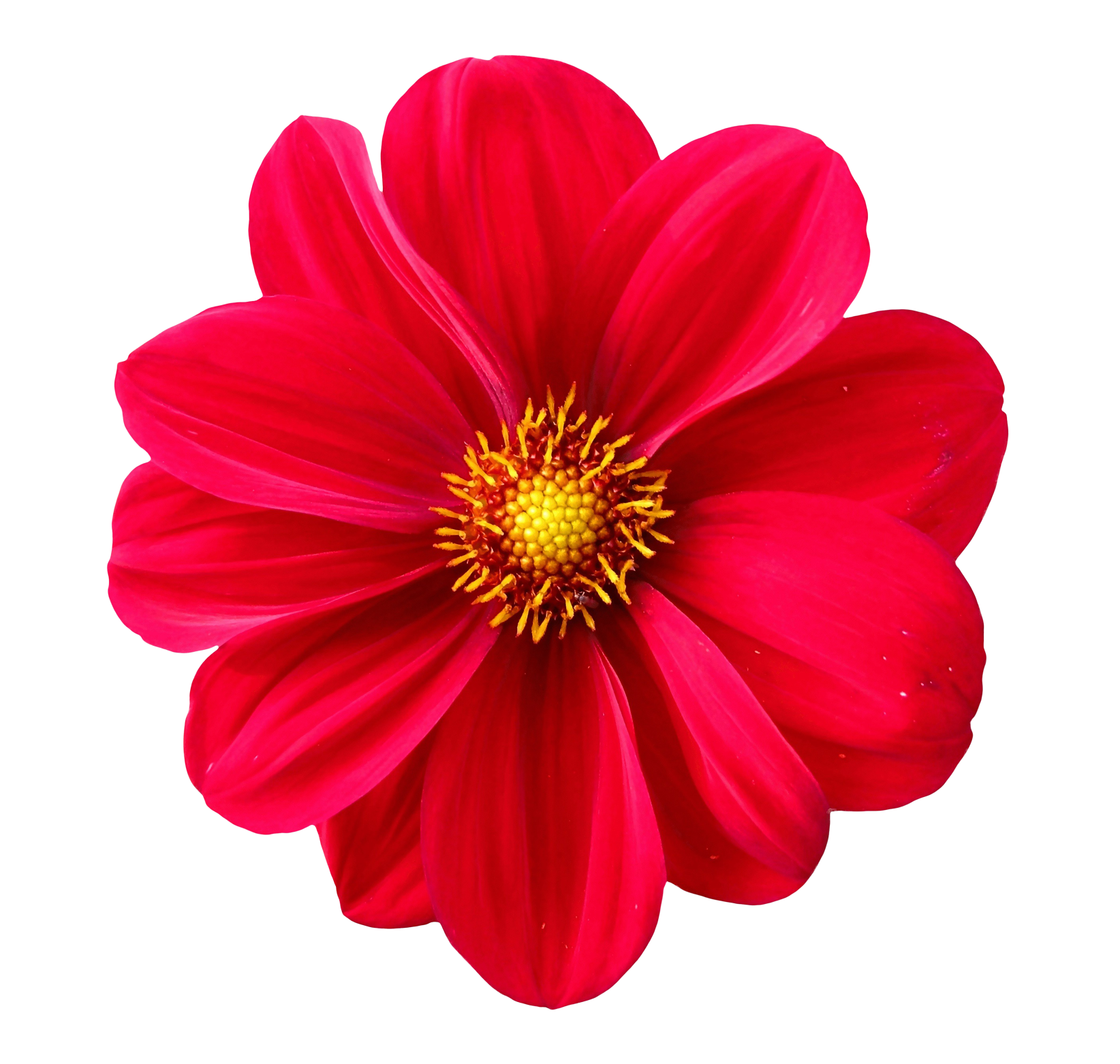
Add Image Duotone Effect
The Image Duotone tool transforms your photos into modern, stylish two-tone artworks using a combination of two colors. Duotone is commonly used in branding, posters, album covers, social media banners, and creative digital art. With this tool, you can convert any image into a duotone masterpiece in just seconds no design experience required.
What Is a Duotone Effect?
A duotone effect replaces the original image colors with two selected tones typically a dark shade and a light shade. This artistic style adds contrast, depth, and mood to an image while maintaining recognizable details.
Popular platforms like Spotify, Instagram, and modern brands frequently use duotone effects for bold and eye-catching visuals.
Why Use a Duotone Color Effect?
- Create bold, modern designs with professional color themes.
- Replace complex colors with a clean two-tone palette.
- Brand your visuals using custom brand colors.
- Make social media graphics stand out with striking tones.
- Achieve a minimalist art effect for photography or posters.
How the Duotone Tool Works
The tool scans your image, converts it to grayscale, and applies two selected colors across dark and light regions. You can fully customize the tone shades, vibrance, and blending strength.
- Upload your JPG, PNG, or WEBP image.
- Select two colors:
- Highlight Color (light regions)
- Shadow Color (dark regions)
- Adjust intensity, contrast, and saturation.
- Preview your duotone artwork.
- Download your final image in high quality.
Types of Duotone Effects You Can Create
- Classic Duotone: Dark + Light color combo.
- Gradient Duotone: Smooth transition between two tones.
- Neon Duotone: Bright, electric colors (pink/cyan, blue/violet).
- Muted Duotone: Soft pastel combinations.
- Grayscale-Duotone: Black + chosen color blends.
- Brand Duotone: Using your company’s brand colors.
Best Use Cases for Duotone Effects
- Album covers and music visuals.
- YouTube banners and thumbnails.
- Instagram & Facebook posts with bold coloration.
- Business branding for consistent theme designs.
- Posters & flyers for modern marketing.
- Website hero images with stylish duotone backgrounds.
Features of the Duotone Generator
- Custom color selection using any HEX or palette color.
- Real-time preview of duotone transformations.
- Adjustable contrast & blending for perfect tone balance.
- Works with high-resolution images without pixel loss.
- No watermark export clean professional designs.
- Fast and browser-based with no upload delays.
Benefits of Using a Duotone Effect
- Creates visual consistency by simplifying image colors.
- Makes text overlays easier using contrasting tones.
- Improves brand identity with signature color pairs.
- Adds uniqueness to photos and social content.
- Easy to apply with no design software required.
Tips for Best Duotone Results
- Use high contrast colors for bold designs.
- Use soft pastels for gentle artistic visuals.
- Match colors to your branding palette for consistency.
- Increase contrast for dramatic duotone depth.
- Use neon shades for cyberpunk-style images.
Frequently Asked Questions
1. Can I choose any color for the duotone effect?
Yes you can select any color using the picker or enter custom HEX codes.
2. Does the tool support PNG images?
Yes, PNG, JPG, and WEBP formats are fully supported.
3. Does the duotone effect lower quality?
No your final output maintains high resolution.
4. Are my images stored on a server?
No all processing is done in your browser for privacy.
5. Can I use duotone images for commercial projects?
Yes you can download and use them without restrictions.
Related Tools (Recommended)
Create Stunning Duotone Images Instantly
Upload your image and apply stylish duotone colors perfect for posters, banners, branding, digital art, and modern visual design.

