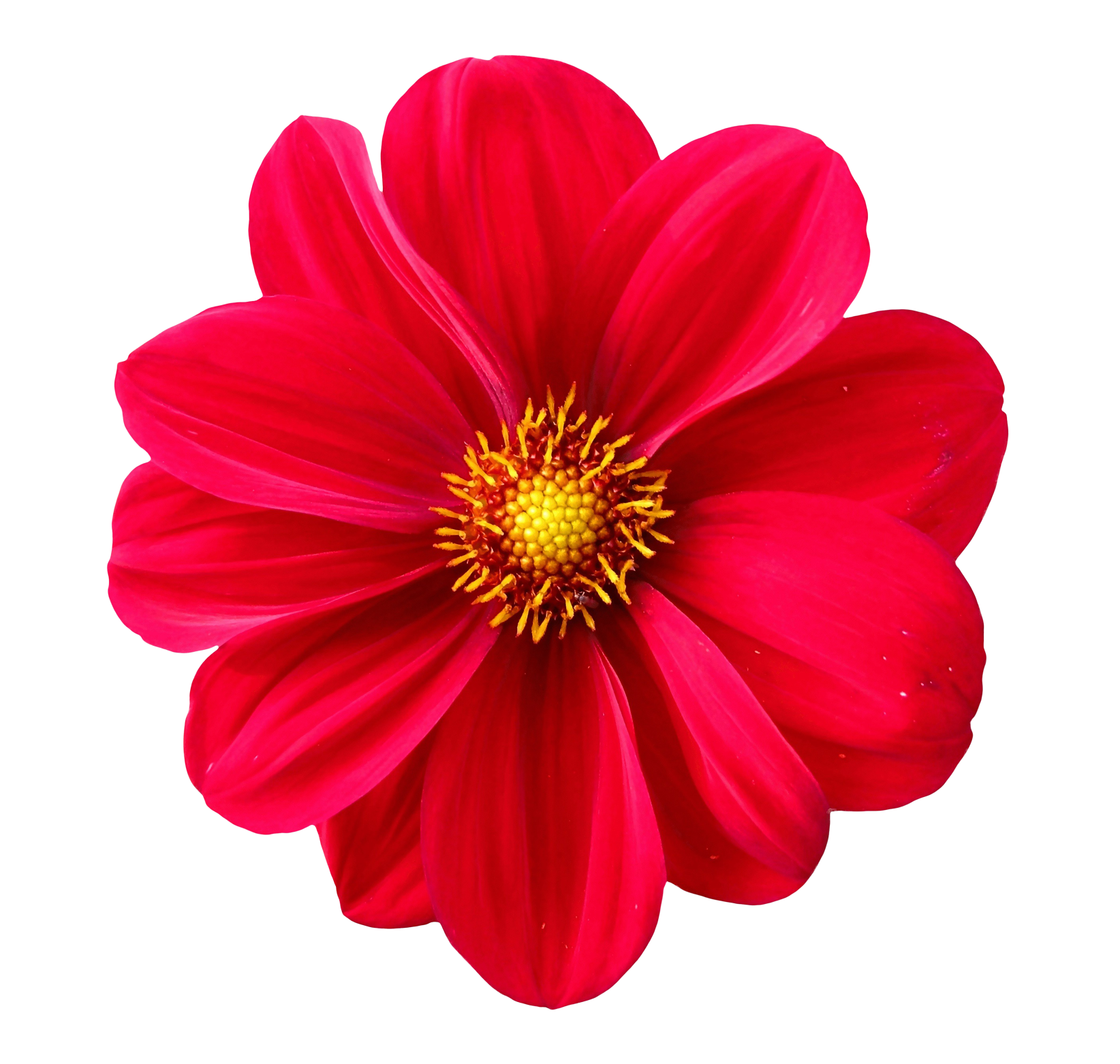
Add Selective Color Splash Effects Online
The Image Splash tool allows you to create stunning color splash effects by keeping the main subject in full color while turning the background into black & white. This selective color style is commonly used in photography, social media edits, posters, product highlights, and creative portraits. With this tool, you can apply the effect in seconds no editing skills needed.
What Is a Color Splash Effect?
A color splash effect highlights one part of an image by keeping it in color and converting the rest of the photo to grayscale. This creates a dramatic focus point and adds emotional and visual impact.
Many professional photographers use this technique to draw attention to specific objects, clothing, backgrounds, or focal subjects.
Why Use Image Splash?
- Highlight the subject using vibrant color against grayscale.
- Create emotional impact in portraits and artistic edits.
- Make product photos stand out with selective color.
- Enhance storytelling through visual focus.
- Give your images a professional, cinematic look instantly.
How the Color Splash Tool Works
The tool detects the main subject automatically or allows you to manually apply color selection. The background smoothly transitions to black & white while the selected area remains colorful and vivid.
- Upload any JPG, PNG, or WEBP image.
- Choose a color splash mode:
- Automatic Subject Color
- Manual Brush Selection
- Color Range Detection
- Adjust grayscale intensity and color vibrance.
- Refine edges using smoothness and radius controls.
- Download your final color splash image instantly.
Types of Color Splash Effects You Can Create
- Single Object Splash: Keep one area in color.
- Multi-Color Splash: Highlight several objects.
- Color Range Splash: Show only selected hues (e.g., red splash).
- Portrait Splash: Color subject, grayscale background.
- Product Highlight Splash: Great for ads and marketing.
Best Use Cases for Color Splash Effects
- Portrait photography with dramatic emotional tone.
- YouTube thumbnails to highlight the main subject.
- Instagram and TikTok posts for eye-catching visuals.
- Product advertising with vibrant color focus.
- Wedding & event photos with romantic styling.
- Travel photography emphasizing landmarks or elements.
Features of the Image Splash Tool
- Automatic subject detection for instant color focus.
- Manual brush mode for precise selection control.
- Color range detection (ideal for red or blue splash effects).
- Adjustable grayscale intensity from soft fade to full B&W.
- Edge smoothing to create natural transitions.
- High-resolution export without quality loss.
- No watermark and works fully in-browser.
Benefits of Adding a Color Splash Effect
- Improves storytelling by isolating meaningful elements.
- Makes social media content more engaging and visually unique.
- Enhances product visibility in marketing materials.
- Adds a premium photography look without expensive editing tools.
- Draws viewer attention instantly using strong contrast.
Tips for Best Results
- Use images with a clear subject for cleaner separation.
- Increase color vibrance to make the subject pop even more.
- Use manual brush mode for complex shapes or backgrounds.
- Try color-range selection for red clothing, blue skies, and colorful objects.
- Use soft edges to create smooth transitions between color and grayscale.
Frequently Asked Questions
1. Can I choose which part stays in color?
Yes you can manually brush the selected area or use color range detection.
2. Does the tool support transparent PNGs?
Yes, transparency is preserved when exporting.
3. Will this effect lower image quality?
No your final image remains high-resolution.
4. Are images stored on a server?
No all editing is done locally for maximum privacy.
5. Can I apply the effect to product photos?
Absolutely color splash is widely used in advertising and e-commerce.
Related Tools (Recommended)
Create Beautiful Color Splash Effects Instantly
Upload your image and highlight your subject using vibrant color against a grayscale background perfect for photography, social media, and creative editing.

